


A well-designed user experience (UX) doesn’t happen by accident. It requires meticulous planning, deep user understanding, and iterative design improvements. One of the most effective yet often overlooked methods in UX design is storyboarding—a tool that originated in filmmaking but has since proven invaluable in creating intuitive digital experiences.
UX storyboarding enables designers to visualize user interactions in a structured way, ensuring that the final product aligns with user needs, expectations, and behaviors. This method goes beyond traditional wireframes by incorporating user emotions, motivations, and real-world scenarios, making the design process more empathetic and user-centric.
In this comprehensive guide, we will delve into the importance of storyboarding in UX, its benefits, and a step-by-step process for creating effective UX storyboards that elevate product usability and engagement.

What is Storyboarding in UX Design?
Storyboarding in UX is a visual technique used to represent a user's journey when interacting with a product, system, or service. It typically consists of a sequence of images, sketches, or digital illustrations that depict key moments in the user’s experience.
A well-structured UX storyboard captures:
- User persona characteristics – Who is interacting with the product?
- Contextual settings – Where and when is the interaction happening?
- User actions and reactions – What steps does the user take, and how do they feel at each stage?
- Pain points and resolutions – What obstacles do they encounter, and how does the product address them?
By incorporating these elements, designers can predict user behavior, refine features, and create a seamless, frustration-free experience.
Why Storyboarding is Essential for UX Design
1. Strengthens User-Centered Design
Storyboarding shifts the focus from features to real user needs and emotions. By crafting a visual narrative, designers can step into the user's shoes, ensuring that every design decision is made with the end-user in mind.
2. Identifies Usability Issues Early
Instead of discovering usability flaws during development, storyboarding allows teams to detect and fix problems before they become costly. Visualizing user interactions helps pinpoint friction points, ensuring smoother workflows.
3. Improves Cross-Team Collaboration
UX designers, developers, marketers, and stakeholders often view a product differently. A storyboard acts as a common reference, aligning all teams toward a unified vision of the user experience.
4. Enhances Decision-Making
Storyboarding encourages data-driven design choices rather than assumptions. By integrating user research insights, designers can make informed decisions that optimize engagement and usability.
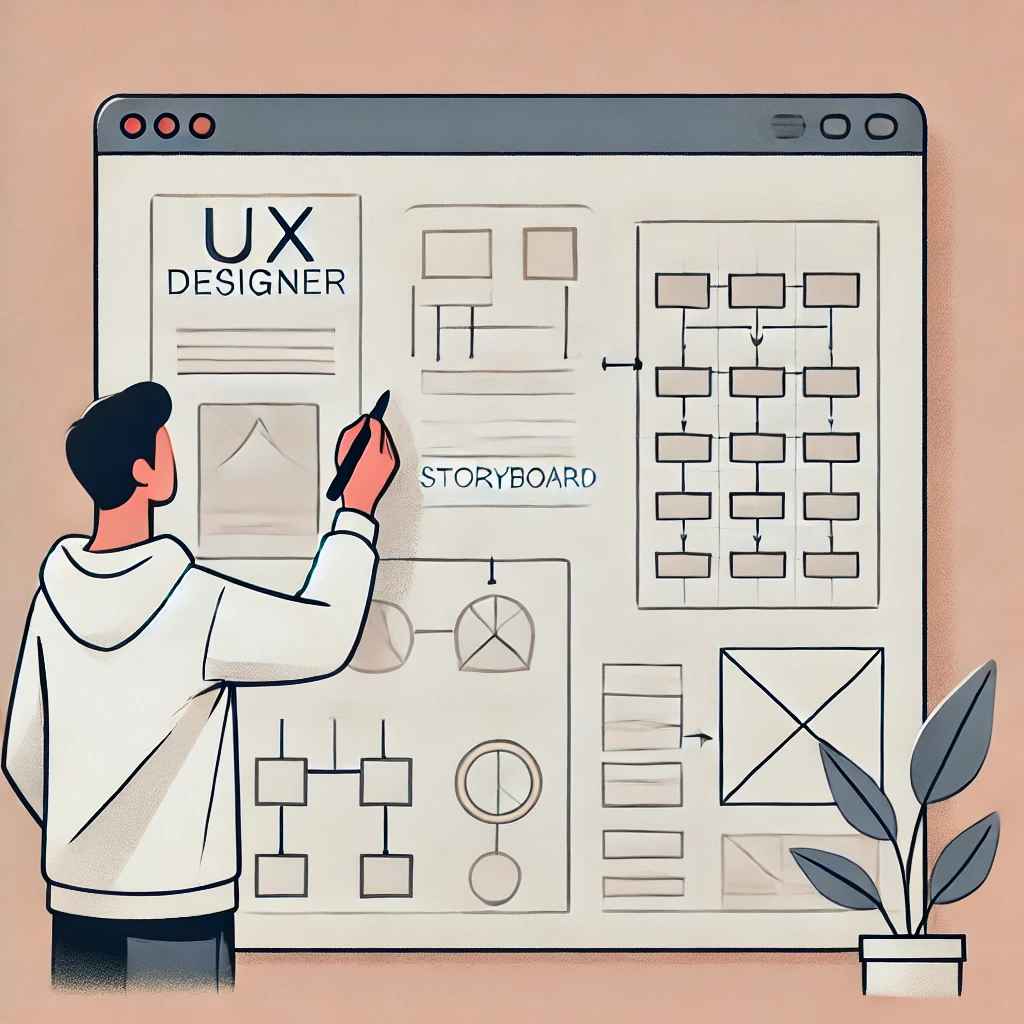
How to Create a UX Storyboard – A Step-by-Step Guide
Step 1: Define the User Persona
Before creating a storyboard, it’s crucial to identify the target user. A detailed user persona should include:
- Demographics: Age, gender, occupation, location
- Challenges: Common problems the user faces
- Goals: What they aim to accomplish
- Behavioral patterns: How they typically engage with digital products
Example Persona:
Emma, a 30-year-old freelance writer, struggles with organizing research materials across multiple apps. She seeks an all-in-one solution to streamline her workflow efficiently.
Step 2: Outline the User Journey
A well-structured storyboard follows a logical flow, covering the entire user interaction cycle:
- Trigger Event: What prompts the user to seek a solution?
- Discovery Phase: How do they find the product?
- Initial Engagement: What is their first interaction like?
- Pain Points: Where do they experience difficulties?
- Resolution & Outcome: How does the product solve their issue?
Step 3: Create the Visual Storyboard
A UX storyboard doesn’t require artistic expertise—basic sketches, stick figures, or digital wireframes work just fine. Each scene should visually depict:
- The user’s actions and emotions at each step
- The device and environment they’re using
- Challenges and solutions encountered along the journey
Annotations and captions should accompany each frame, explaining:
- What the user is doing
- What they are thinking or feeling
- What obstacles arise
- What the expected outcome is
Example Scene:
Emma opens a research organization app for the first time. She struggles to navigate the dashboard, feeling overwhelmed by multiple options. After discovering the "Smart Categorization" feature, she quickly organizes her notes and feels relieved.
Step 4: Validate with Stakeholders & Users
Once the storyboard is created, share it with team members, stakeholders, and actual users. Their feedback helps refine the experience before moving into prototyping.
Step 5: Iterate and Optimize
A UX storyboard is a living document that should evolve based on new insights, user feedback, and usability testing results. Continuous iteration ensures that the final product meets real-world user expectations.

Best Practices for Effective UX Storyboarding
- Prioritize User Emotions – A great storyboard doesn’t just show actions; it highlights user frustrations, motivations, and relief.
- Use Real-World Scenarios – Avoid hypothetical situations—base the storyboard on actual user research and usability data.
- Keep It Simple Yet Clear – Focus on clarity rather than artistic perfection. Stick figures or rough sketches are enough if they communicate the journey effectively.
- Test and Refine – Involve users in the validation process to ensure accuracy and relevance.
- Encourage Team Collaboration – UX storyboarding should be a collaborative effort involving designers, developers, and stakeholders.
Conclusion
UX storyboarding is more than just a visualization tool—it’s a strategic approach to crafting intuitive digital experiences. By mapping out user journeys, identifying pain points, and refining usability early, designers can ensure that products meet user needs effectively.
Integrating storyboarding into your UX design process fosters better team alignment, minimizes costly redesigns, and ultimately creates a product that users love.
If you’re working on a new product or refining an existing one, storyboarding is a must-have tool for designing seamless, user-friendly experiences.
Level up your UI/UX skills! Learn to create stunning interfaces and seamless user experiences with our Advanced UI/UX Design Course. Boost your career and design products that stand out.
Enroll today at Kaarwan for more insights!
FAQs
1. What is the primary purpose of a UX storyboard?
A UX storyboard visually represents a user’s interaction with a product, highlighting emotions, challenges, and solutions to improve usability.
2. How detailed should a UX storyboard be?
It should be detailed enough to cover key user interactions and pain points but simple enough to communicate ideas clearly.
3. Can storyboarding replace wireframing?
No, storyboarding and wireframing serve different purposes. Storyboarding focuses on narrative and user emotions, while wireframes focus on interface layout and functionality.
4. What are some recommended tools for UX storyboarding?
Popular tools include Figma, Miro, Adobe XD, Sketch, and traditional hand-drawn sketches.
5. How can storyboarding improve UX design?
It enhances empathy, uncovers usability issues early, fosters collaboration, and ensures user-centered design decisions.




